
How to download a website from the Wayback Machine.
Bring an archived website back to your own machine. Choose a capture, restore its pages and assets, and download a static ZIP you can browse or host.
Get started1. Pick the page you want to keep
Open the Wayback Machine, find your website, choose a date, and copy the archived page’s URL. We’ll use Wikipedia’s homepage from September 1, 2025:
2. Start Wayback Restorator locally
Install Git and Docker with Compose, start Docker, then launch the dashboard:
git clone https://gitlab.com/restorator-labs/wayback-restorator.git
cd wayback-restorator
./restorator web
When the build finishes, open localhost:8080.
Install Git, Docker with Compose, and Python 3. Start Docker, then clone the project:
git clone https://gitlab.com/restorator-labs/wayback-restorator.git
cd wayback-restorator
Keep this terminal open for the restoration command below.
3. Restore with the dashboard or CLI
- Open localhost:8080 and paste the Wikipedia capture URL.
- Start the restoration and follow its progress.
- Download the ZIP from the completed job.
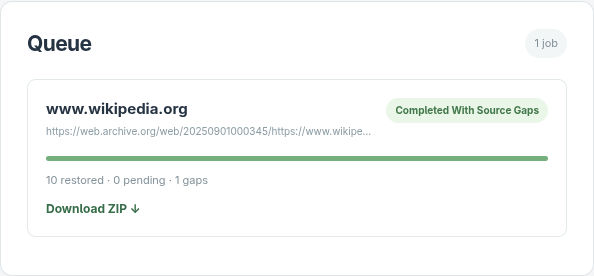
Run this from the project directory:
./restorator restore 'https://web.archive.org/web/20250901000345/https://www.wikipedia.org/'Follow progress in the terminal, then open the ZIP at the printed path.
From Wikipedia capture to local website
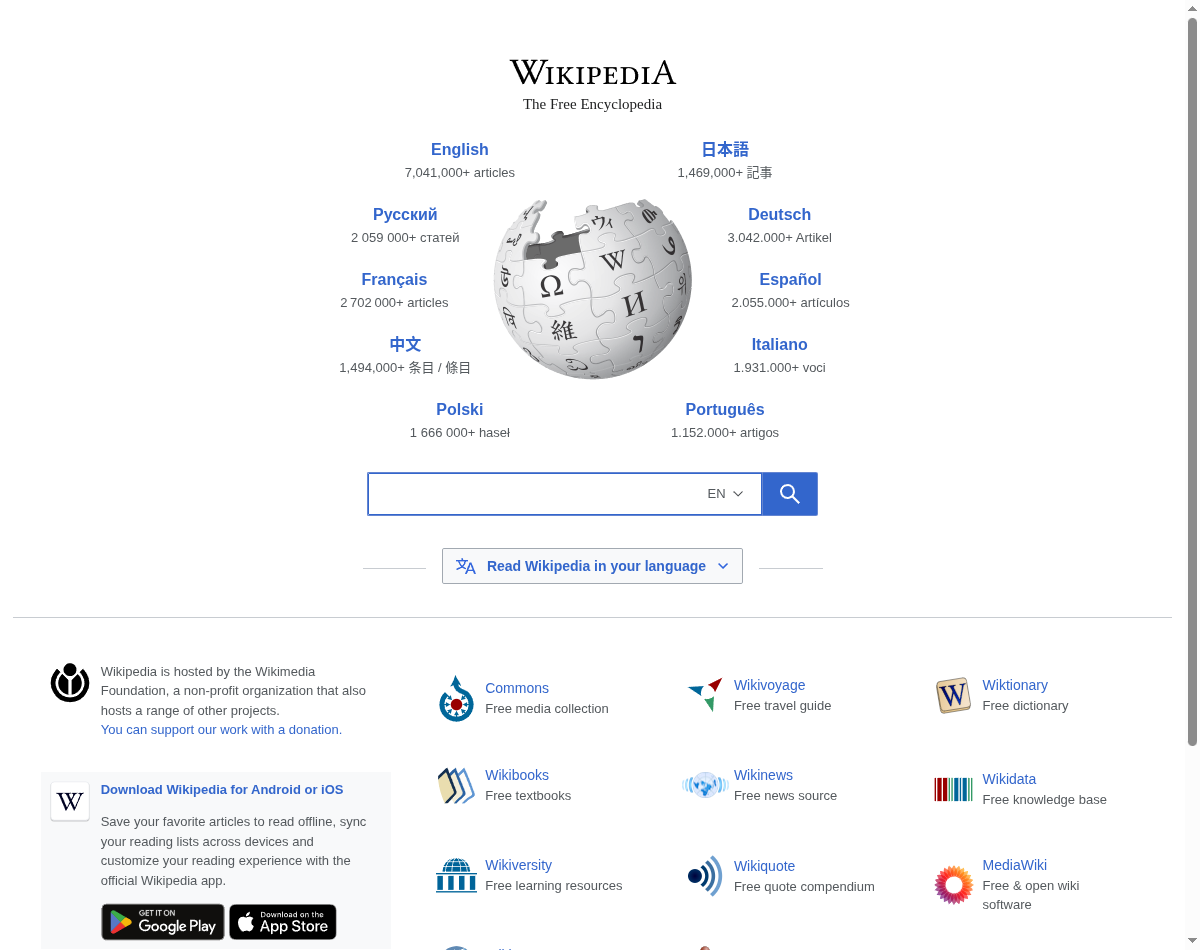
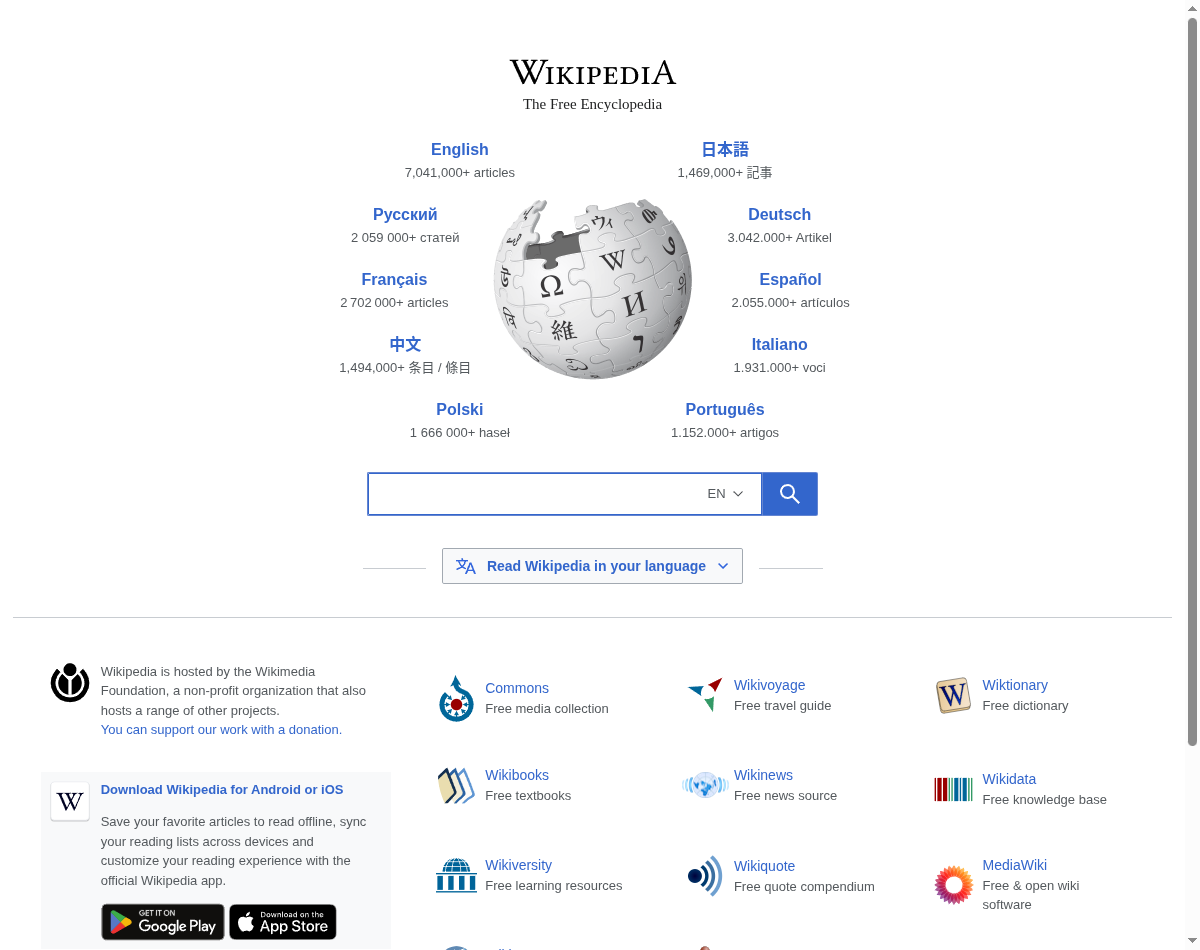
The September 1, 2025 capture restored Wikipedia’s familiar homepage, globe, language links, and supporting assets. The download contains 10 files in a 138 kB ZIP.
Open your downloaded website
Extract snapshot.zip and open index.html. The ZIP holds the recovered pages and assets; the separate result.json report lists anything missing. In this run, one fallback image was unavailable in the archive.
index.html
portal/wikipedia.org/assets/img/
portal/wikipedia.org/assets/js/
static/favicon/wikipedia.ico
More restoration examples
Space Jam: the original movie website
The planet-shaped navigation and colorful movie logo from one of the web’s most recognizable early sites.


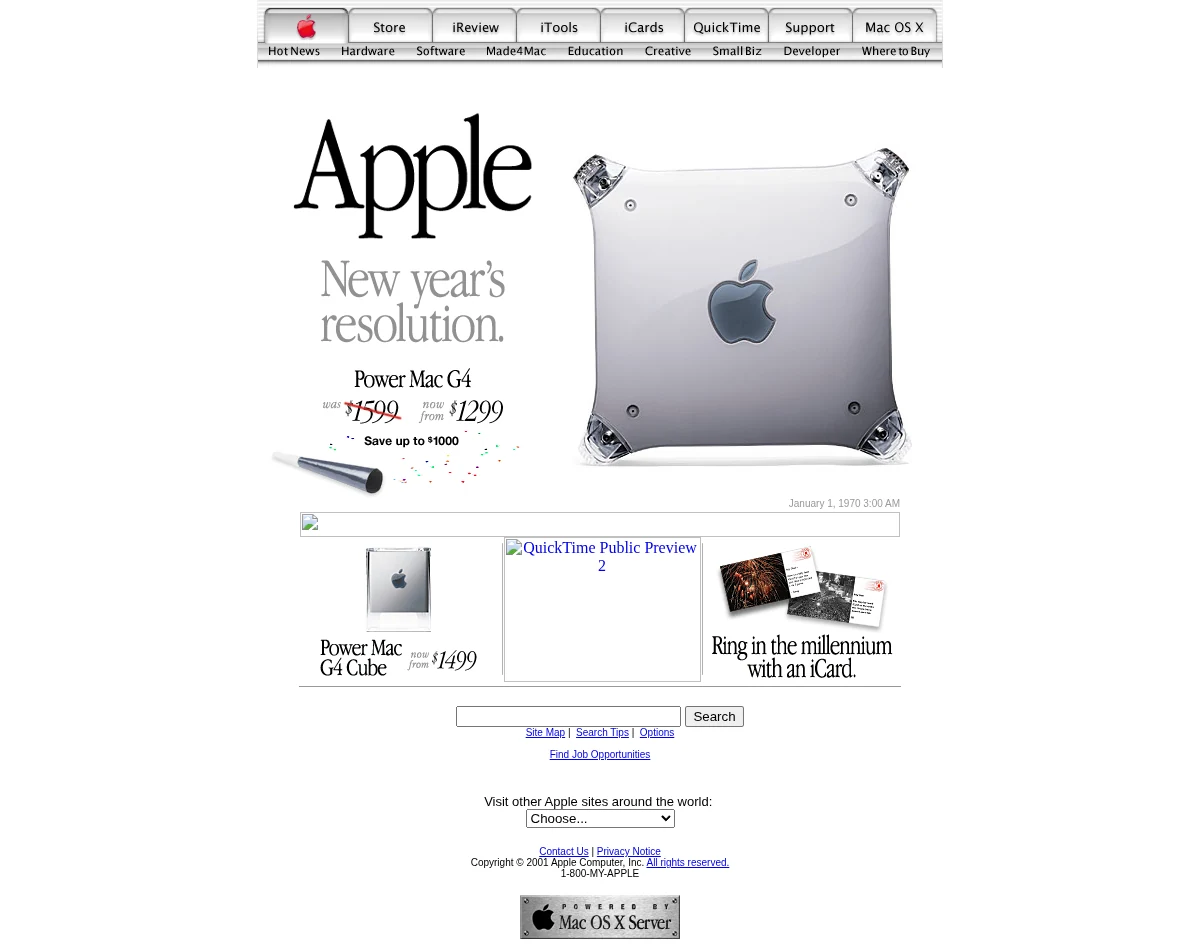
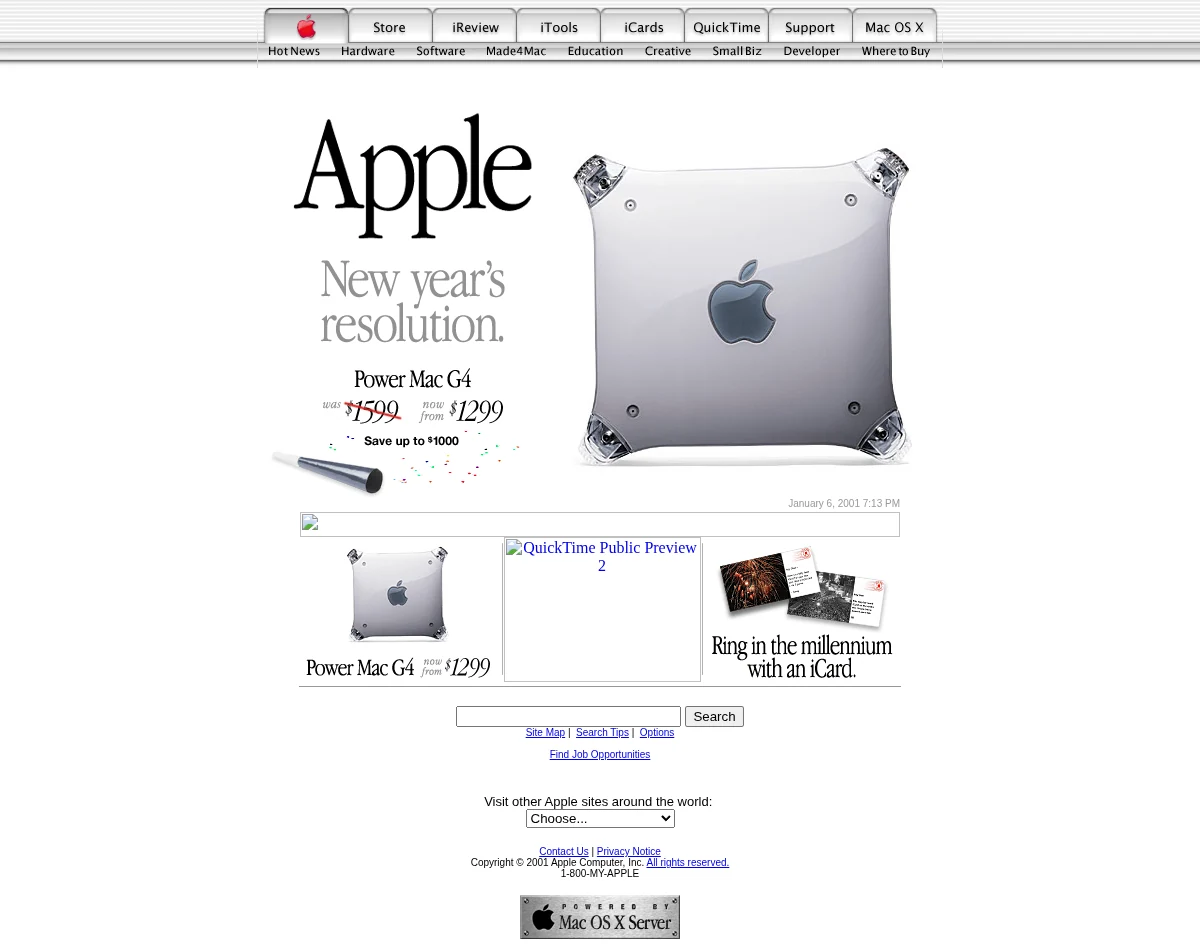
Apple, 2001
Brushed-metal tabs, the Power Mac G4, and a New Year’s promotion from Apple’s pre-iPod homepage.
Bring your archived
website back.
Restore your capture for free with the open-source dashboard or CLI.
Download questions
What if a page or image is missing?
Check the result report and try another Wayback Machine capture. A different date may have more of the site’s pages and assets.
What if the download stalls?
Check that the archived page opens in your browser. If the archive is temporarily unavailable, try again later.
Where is my ZIP?
Download it from the completed dashboard job. With the CLI, use the path printed in the terminal under data/output/jobs/.
Can I restore a WordPress site?
Its captured public pages can be recovered as a static website, with their archived images and styling. Static and server-rendered pages work best.